Debugging of regular PHP applications is much easier when you have PhpED with NuSphere's famous PHP Debugger. Our PHP IDE supports local and remote debugging of PHP Applications running on Apache, IIS and other servers. There is a whole class of PHP applications that should be mentioned separately because they require Parallel Debugging - which is a unique debugging feature available in PhpED. In these Web 2.0 applications, use of AJAX and script injections often leads to the generation of chained requests to PHP scripts on the server that need to be debugger simultaneously - or in parallel. These applications can be categorized in three major groups:
Client-Server PHP Applications. Classic example of this type is a PHP application providing Web services and Web clients. We will review this example in details in further sections
PHP script that produces HTML with requests to other scripts.. For example PHP script might be generating HTML that in turn contains tags (links) to js, css, images, frames, - implemented as URLs pointing to the same script or another PHP script in the same domain. For example, a script returning links to the images that can be implemented as PHP scripts as well, like captcha. Quite often, PHP Frameworks work this way
PHP CLI. Typical use case of parallel debugging is PHP CLI applications where one PHP script calls another using backticks, system(), exec() or similar functions.
|
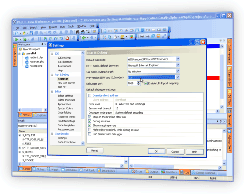
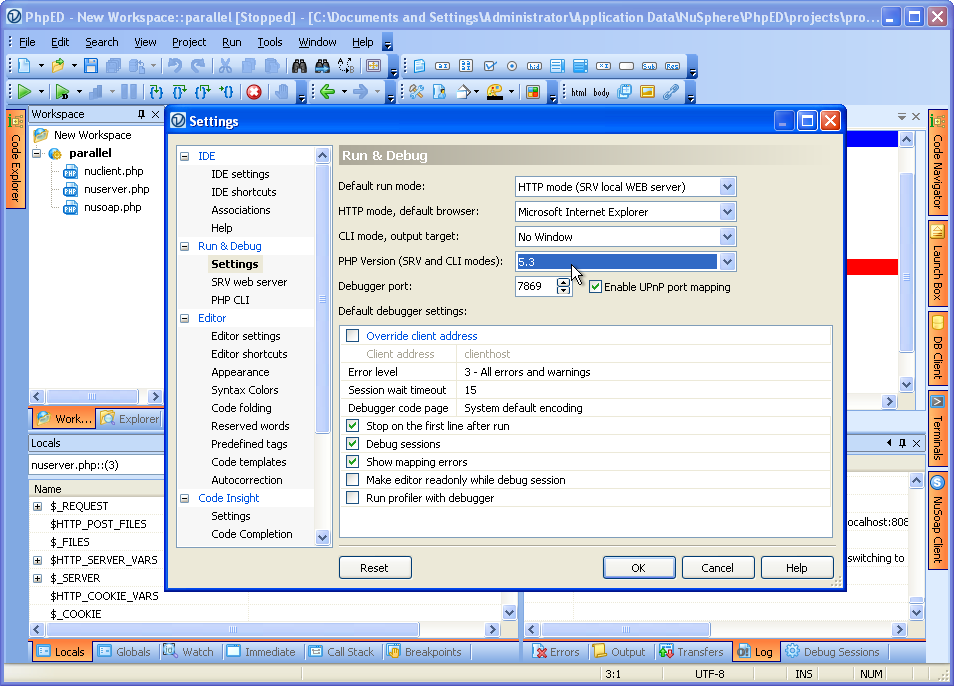
PhpED provides an ability to debug multiple PHP scripts in parallel. This is made possible by Parallel debugging and turning on Debugging Sessions available in our PHP IDE. An example shown below is the default debugging settings:
|
 |
 |
We can now take a closer look at several scenarios where Parallel debugging may be necessary:
Debugging client-server PHP Applications
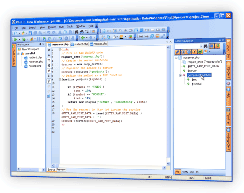
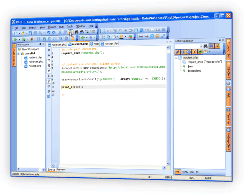
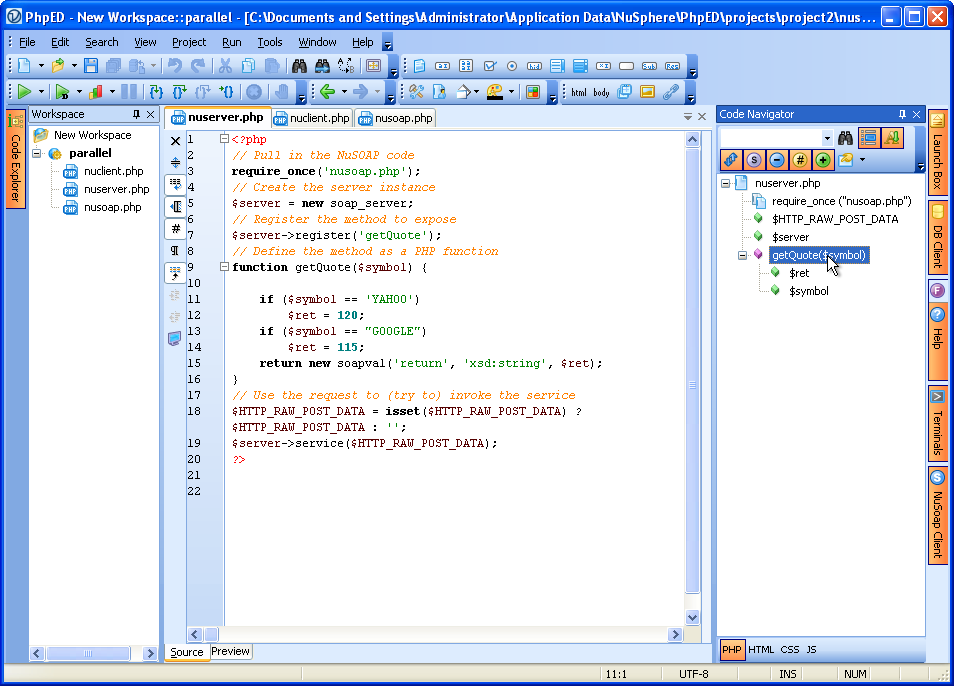
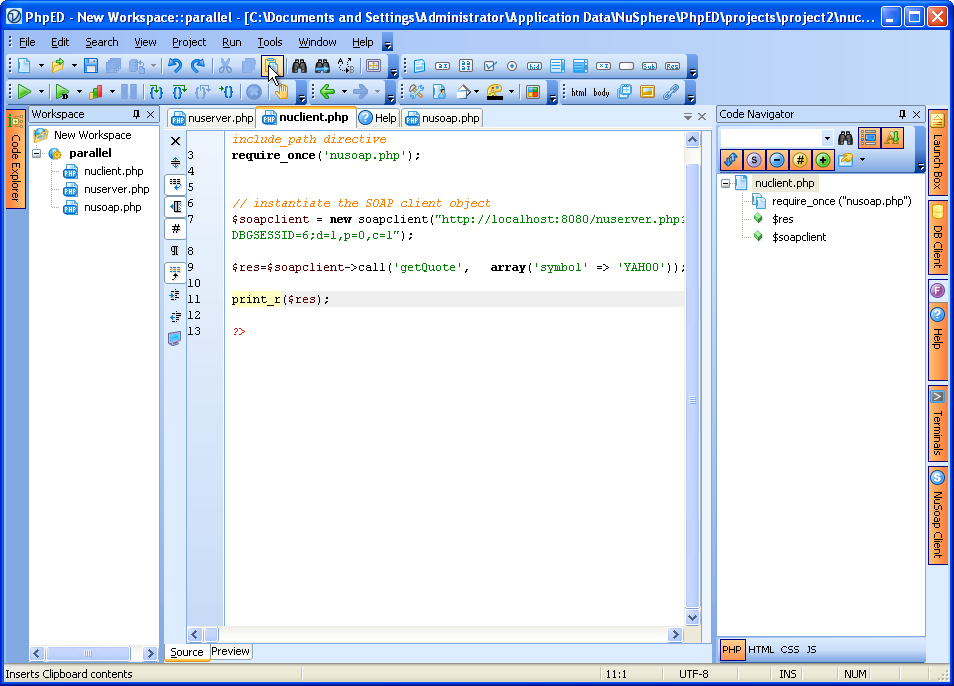
Our first example uses NuSphere's well known NuSoap PHP class to create simple SOAP Server and Client scripts - nuserver.php and nuclient.php, as shown below:
|
nuserver.php - implements a simple web service providing one method - getQuote;
|
|
 |
|
nuclient.php - implements SOAP client using NuSoap and making a call to nuserver.php
|
|
 |
|
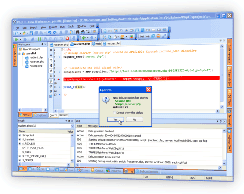
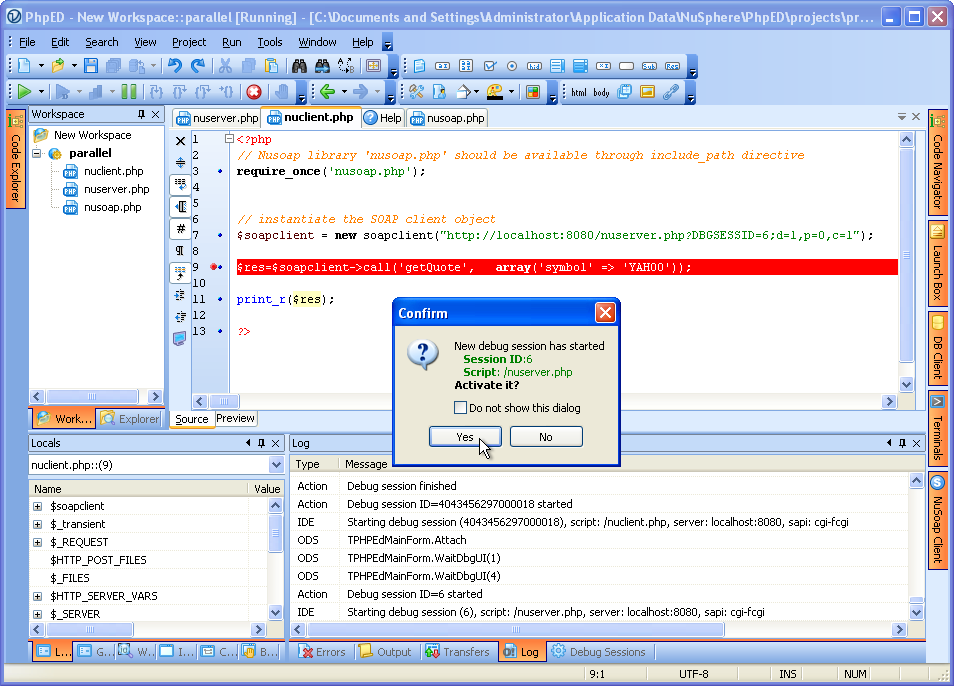
Once debugging session is started on nuclient.php the call on line 9 creates a SOAP request to nuserver.php, which in turn starts another , parallel debugging session and New Debug Session dialog comes up as shown on the figure:
|
|
 |
|
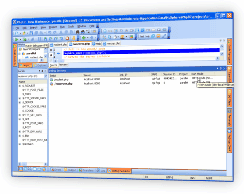
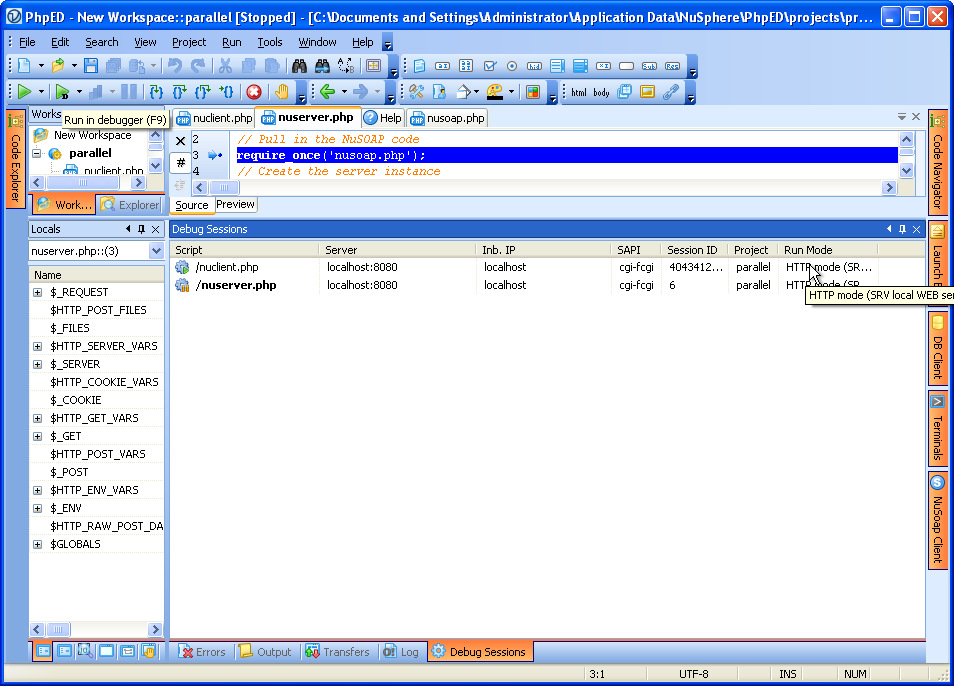
The user can now debug both client and server PHP scripts in parallel inside the same PHP IDE. To switch between sessions you can use Debug Sessions window available in View->Debug Windows
|
|
 |
|
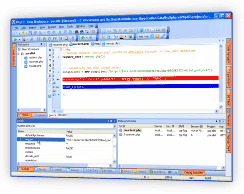
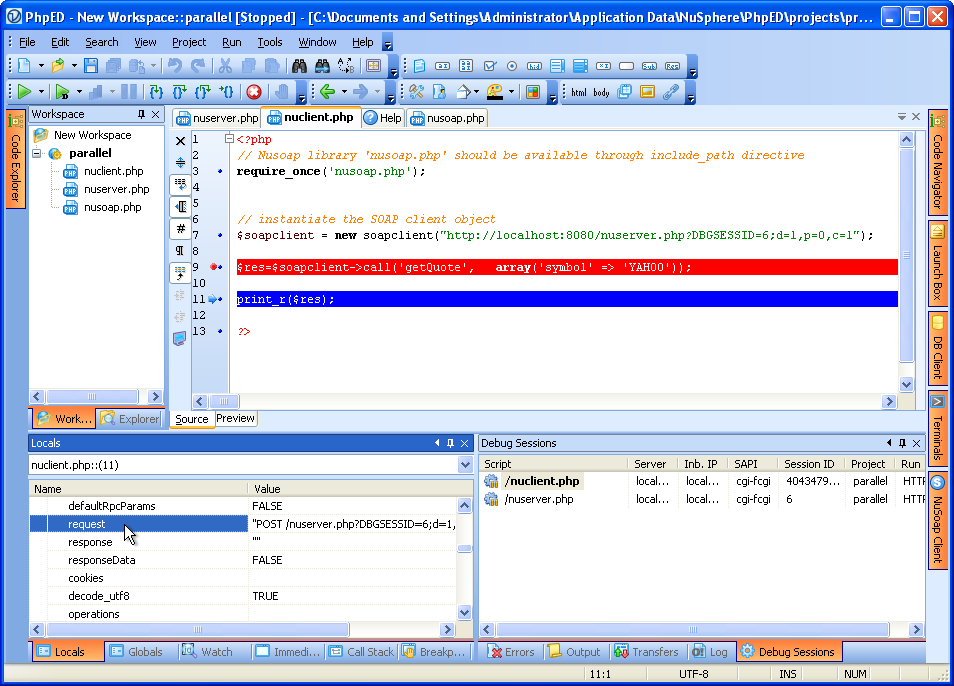
For example, you can switch to client debug session and check the request formed on the client:
|
|
 |
|
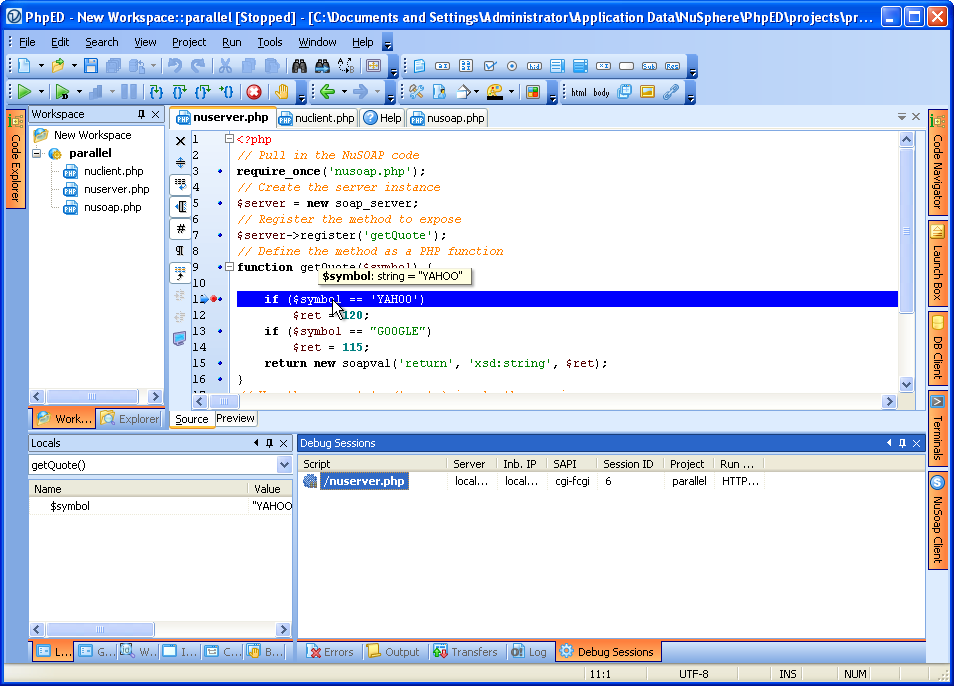
And then switch to the server session to see the request coming in there:
|
|
 |
Debugging PHP script that produces HTML with requests to other scripts
Another typical example of great use case for Parallel Debugging and sessions is PHP script generating HTML tags that cause the browser to make various requests to the server again for parallel processing. These server requests may be generated by img, style, script, iframe, frame and other tags. While calls to .gif, .png , .jpg and similar files will be handled by the server itself, all requests requiring PHP handler will cause the start of debug session if "debug session" is on. Each of the sessions will be visible in Debug Sessions window.
PHP Frameworks Debugging sessions
Please note that if you are using PHP Frameworks you may see the same file displayed in multiple debug sessions. That's often the way php frameworks operate, by sending all requests to one dispatcher or controller script. The same controller might be handling multiple parallel requests. The onlyt way to sort them all out, is to switch to each session and use PhpED's PHP Debugger to inspect the content of $_GET and $_POST.
PHP CLI and Parallel Debugging
Last but not least use case of parallel debugging is PHP CLI applications where one PHP script calls another. Just like it works for PHP web applications, PHP CLI parallel debugging sessions will be presented in View->Debug Windows ->Debug Sessions, allowing the user to debug both the caller and the called script.
To learn more about switching between debugging sessions with one click of a mouse, Download a free trial of our PHP IDE with world famous DBG - PHP Debugger today!
|



 Download NuSphere PHP IDE
 Buy NuSphere PhpED® now